
December 4, 2025
Happy Thursday!
Welcome to another issue of HOW TO // AI. We’re glad you made it! I can’t believe it’s December! Can you? It’s a great time to learn more about AI!
Here’s what we’ve got for ya:
🤖 Unlock ChatGPT: Your First Useful Chat in Minutes
📰 Mistral AI just unveiled Mistral 3, a new generation of AI
🚀 AWS Just Changed the AI Game — Here’s How
🧠 AI Hints at Human-Like Concepts
🎥 Level Up Your Prompts
🗣️ Quick Hits: new updates from Stack Overflow, DeepSeek, GPT 5.1, Flex, Google Nano Banana Pro, and more!
Let’s get started!

Your readers want great content. You want growth and revenue. beehiiv gives you both. With stunning posts, a website that actually converts, and every monetization tool already baked in, beehiiv is the all-in-one platform for builders. Get started for free, no credit card required.
🤖 Unlock ChatGPT: Your First Useful Chat in Minutes
Here’s How to Go From Blank Page to Killer Copy
1) Pick one small, real task
Don’t start with “teach me everything about AI.”
Start with something you actually need today:
A follow-up email to a customer
A summary of a meeting
A LinkedIn post about a new project
The smaller and more concrete the task, the better your first result will be.
2) Start a fresh chat
Go to chat.openai.com, click New Chat, and treat it like a blank document.
Old threads bring old context. A fresh chat makes sure the model isn’t guessing based on yesterday’s conversation and focuses only on this task.
3) Give it a precise mission, not a vague request
Don’t be vague like this-
Help me with a meetingWrite something about our new featureBe precise and you’ll be productive-
Summarize yesterday’s 30-minute stand-up for my team in 5 Slack-ready bullet points. Mention the launch date (Jan 15), the two blockers (API bug, design review), and end with a clear next-step for each owner.Or…
Write a friendly follow-up email to a prospect named Jordan after our demo today. Keep it under 150 words, casual but professional, and end with a single clear CTA: book a 30-minute call next week.Format + audience + length + tone = a clear finish line.
OR, better yet, just use the Microphone button to say what you want or the Voice Mode (aka ChatGPT Voice Assistant) for a real-time voice conversation mode (I must admit, ChatGPT voice mode is my new BFF).

4) Read the answer like an editor, not a critic
The first draft is supposed to be imperfect. That’s fine.
Scan it like you’re reviewing a junior teammate’s work:
Is anything important missing?
Is any wording confusing or too “AI-ish”? (especially important, you don’t want to be known as “that guy” (who just copies and pastes things from AI)
Are names, dates, and numbers correct?
Does the tone match how you talk?
You’re not starting from scratch; you’re shaping raw material.
5) Coach with micro-prompts
Now improve it in small, focused steps. Instead of “make this better,” try something like-
Make this 30% shorter, but keep the key details.

Rewrite this in a more conversational tone.

Add one example to make this clearer.

Turn this into 3 LinkedIn posts instead of 1.
Each micro-prompt tweaks one thing at a time. Two or three rounds like this usually turn a decent draft into something you’re happy to ship.
6) Fact-check, then ship it
Remember: ChatGPT doesn’t “know” your world. It predicts text.
Before you paste anything into Slack, email, or your slide deck:
Verify dates, names, and numbers
Check links or references
Make sure the promise you’re making is actually true
😱 REMEMBER - ChatGPT (and all the other AI tools) make mistakes - surprisingly, a lot of them! Worse yet, they can be very confident even when incorrect!
Once it passes that quick reality check, copy-paste, send, and move on to the next thing on your list.
📌 Key Takeaway
Treat ChatGPT like a trainable assistant, not a crystal ball:
Aim: Give it one specific, real-world task.
Iterate: Improve the draft with short, targeted follow-up prompts.
Verify: Fact-check the details, then ship.
Do that, and your first chat won’t just be impressive—it’ll be genuinely useful business copy you can use in minutes.
For more info checkout - Prompting v/s Chatting with AI on LinkedIn

The Rundown: Mistral 3 brings powerful, open-source AI models — from compact ones you can run on a laptop to a flagship multimodal model that competes with top-tier systems.
Details:
Multiple models for different needs — The Mistral 3 family includes three smaller “dense” models (3 B, 8 B, and 14 B parameters) and a flagship model, “Mistral Large 3,” built with a sparse mixture-of-experts approach (active 41 B parameters, 675 B total) for high power.
Open access & multimodal capabilities — All models are released under the permissive Apache 2.0 license, meaning developers and organizations can freely use and customize them. Mistral Large 3 supports text + image inputs, and is optimized for multilingual and multimodal workflows.
Flexible deployment — from cloud to edge devices — The smaller “Ministral 3” models are designed to run even on modest hardware (edge devices, laptops, single GPUs), while Mistral Large 3 scales up for enterprise workloads. This makes the suite useful for everything from simple local tasks to complex long-context, multimodal, production-grade AI applications.
Takeaway: Mistral 3 significantly lowers the barrier to high-quality AI by combining power, flexibility, and openness. Whether you just need a lightweight model that runs on a personal laptop or a heavyweight model for enterprise-scale multimodal tasks, Mistral 3 offers a spectrum. For developers, startups, or organizations that care about control, privacy, or customization — this release makes compelling AI tooling that doesn’t lock you behind closed-source platforms..
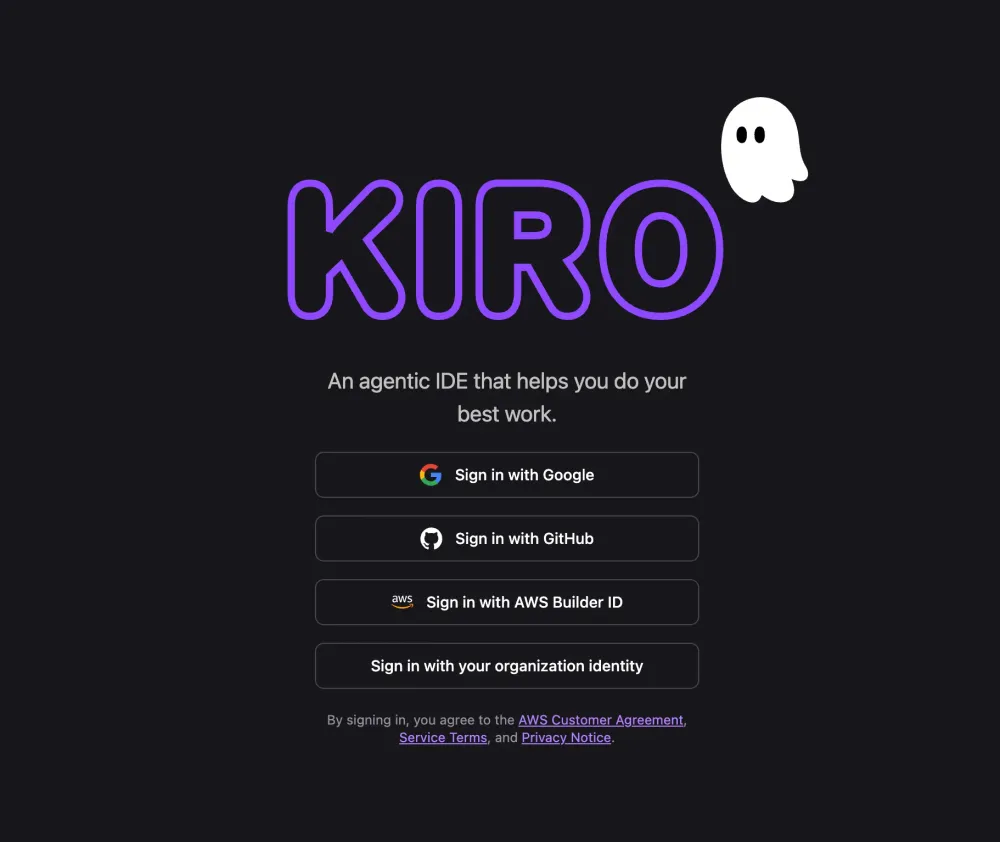
The Rundown: AWS just launched a massive AI upgrade — new models, custom-AI training, and agentic tools (including Kiro) that can act as autonomous developers.
Details:
Frontier AI agents — including Kiro. AWS introduced a new generation of “frontier agents.” The Kiro autonomous agent functions like a virtual developer: it tracks your codebase, remembers patterns, and can carry out tasks like bug fixes, pull-requests, or code reviews — working independently over days if needed.
Full-stack AI lineup: Nova 2 + integration. Alongside agents, AWS rolled out Nova 2 — its newest family of foundation models — plus services for custom AI model training. That means the same platform powering complex LLM tasks also powers Kiro’s “brain,” giving a consistent, scalable AI stack from reasoning to execution.
Automation beyond just prompts — real-world workflows. With agents + powerful models + customization tools, AWS claims you can now automate multi-step, context-heavy tasks (coding, security reviews, DevOps, UI workflows) end-to-end using AI — not just rely on one-off prompt results. Kiro + its “sibling agents” are central to that vision.
Takeaway: Kiro turns the latest AI advances from AWS into something more than just clever chat or code suggestions — it pushes toward real autonomous productivity. For teams and developers, this means AI could become a co-worker that not only drafts code, but helps manage and execute software workflows with minimal oversight. If you combine it with Nova 2’s power and AWS’s customization tools, the result could be a flexible, scalable AI-driven development stack.

The Rundown: A team led by China’s Institute of Automation says multimodal LLMs can spontaneously form object concepts similar to human cognition, challenging the idea that models are mere “stochastic parrots.”
Details:
Researchers gathered 4.7 million “triplet” judgments from LLMs to map how 1,854 everyday objects cluster in the models’ mental space.
The resulting 66-dimensional embedding aligned closely with human brain-scan patterns collected in parallel experiments.
Authors say the work bridges “machine recognition” and “machine understanding,” suggesting future models could reason more like people.
Takeaway: If LLMs really share our internal map of the world, product teams may soon tap them for tasks from medical imaging to robotics that rely on nuanced conceptual understanding.

New AI Tools 🛠️
🧑💼 Gemini 3 Pro Image / Nano Banana Pro — new release of the flagship image-generation and editing model from Google, offering sharper text rendering, flexible style controls, and stronger multilingual support.
🤖 Manus — a fully autonomous AI agent launched in 2025, capable of reasoning, planning, and executing complex tasks on its own, offering a preview of end-to-end AI agents.
📚 November 2025 AI tools roundup — a curated list of new AI tools, upgrades, and free offers to explore now.
New AI Product Updates 🆕
🧠 Google launched Google Workspace Studio — enabling teams to build and deploy AI agents in minutes for workplace automation, even with no coding experience.
🛠️ Claude Opus 4.5 — a new release from Anthropic — designed for agentic coding, autonomous workflows, and complex problem solving.
🔁 GPT-5.1 Launches — incremental update to the GPT-5 series, making the model “smarter, more conversational” and easier to customize for users.
AI In The News 🚀
🌐 DeepSeek V3.2 — powerful LLM reportedly matching top-tier models while using far less compute, making advanced AI more accessible.
💼 Flex — an AI startup — closed a $60 million funding round to build finance-oriented AI tools for mid-sized businesses.
🧑💻 Stack Overflow AI Assist — an AI-powered productivity tool for developers aiming to cut down on repetitive tasks and accelerate code + knowledge work.
🔊 Level Up Your Prompts
Microsoft cloud advocate Chris Noring breaks down practical prompt-engineering tactics to help you turn vague AI queries into accurate, step-by-step answers.
📫 Ask the Inbox
Q: “How can I stop ChatGPT from sending back a wall of text when I just need a short summary?”
A: ChatGPT assumes more detail is better unless you tell it otherwise, so treat length like any other requirement.
In your very first prompt, add a clear size request, like these:
Draft a 50-word summaryGive me three bullet pointsProvide a one-sentence answerIf the reply still runs long, follow up with a single nudge clarifying what length you’re looking for.
The model will trim without losing context because it keeps your earlier messages in memory. For recurring tasks, save a template prompt that bakes in the length and format so you don’t have to repeat yourself.
Just remember: nudges should be clear and to the point. Tell the model exactly what you need and in no uncertain terms. Phrases like “make it better” won’t get you nearly as far as feeding it details.
📌 Key takeaway: State the desired length and format upfront and ask for quick edits when needed. ChatGPT’s default is verbosity, but with some nudging, you can teach it how to deliver the output you need.
🤔 Got Questions?
Have a question you want answered? Email [email protected] and you just might be featured in an upcoming issue!
This newsletter is your starter kit for mastering AI with confidence. We keep things simple, show real examples, and focus on quick wins you can repeat.
Stay curious, stick with it, and watch your skills grow week by week!
Until next time :)